Executer
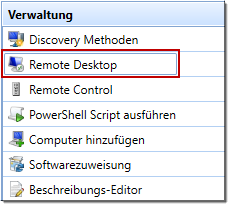
The “Executer” plugin allows you to launch executable files and pass parameters to them. These files must either be located on the client running the application (e.g., mstsc.exe) or made available for download on the server side (see Download & Execute).
Plugin configuration
| Name | Description | Default value |
| DirectPing | Specifies whether the ping command is sent by the client. If set to “False,” the ping command is sent by the server. |
True |
Parameter
By default, the following configuration is used as a parameter. “{COMPUTERNAME}” is replaced with the selected computer name, and a Remote Desktop connection is established using “mstsc.exe” if possible.
-Target=mstsc.exe /V {COMPUTERNAME}Default Plugin Integration
- Assembly: ExecuterPlugin
- Name: REMOTE_DESKTOP (gets translated)
- Icon: mstsc.png
-
Argument: /V {COMPUTERNAME}
- Function: StartProcess (must always be specified)
- SelectedComputer: SingleWithPing