Language Translations
The included Language Assignment Editor plugin is used to manage language translations in SCCM Manager.
Overview
- Add translation
- Edit translation
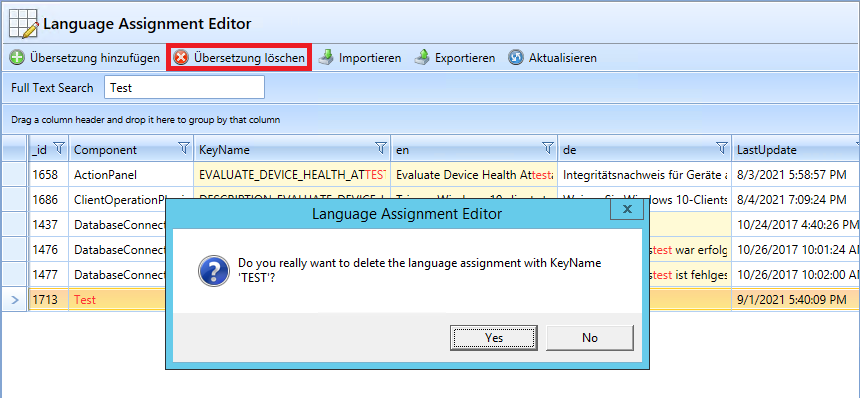
- Delete translation
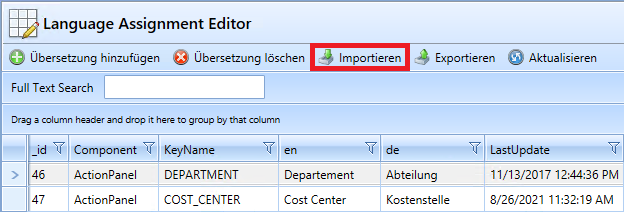
- Import translations
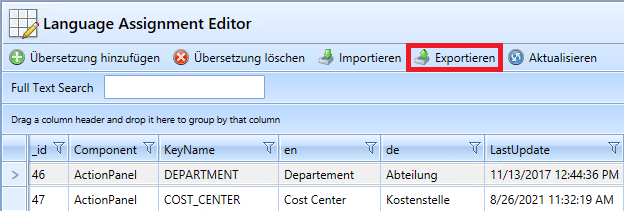
- Export translations
Add translation
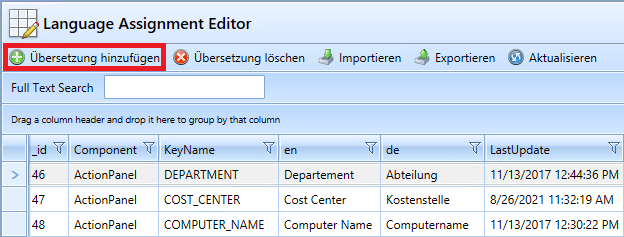
A dialog box for language translation appears.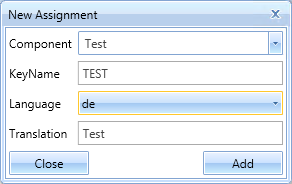
| Value | Description |
| Component |
The component that contains the KeyName |
| KeyName |
The value that is replaced by the language entry. May only be assigned once within a component |
| ComboBox |
To select the language |
| Translation |
The actual language entry |
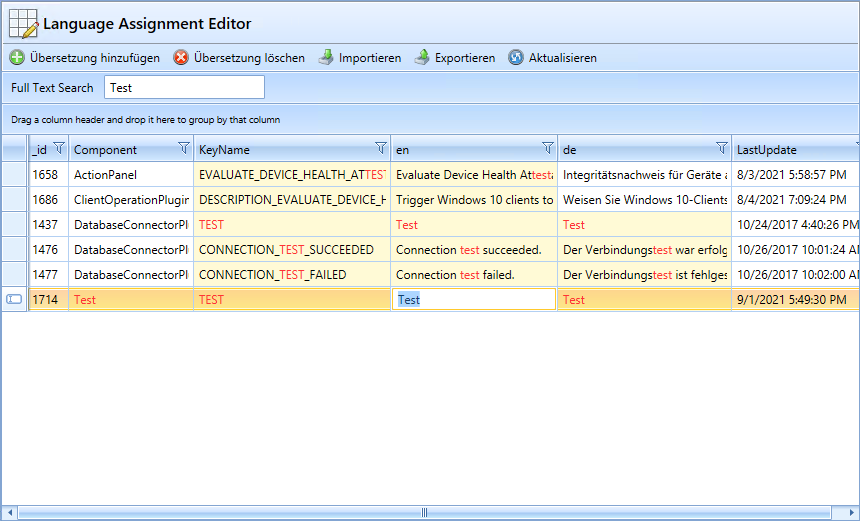
Edit translation
You can edit a translation by double-clicking on it.
Delete translation
Import translations
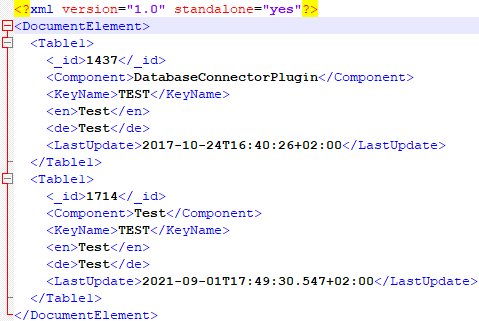
The XML file must follow this schema:
Export translations