Update from Version 3.7.0.1 to 3.7.0.2
| No. | Step | Brief description | Screenshot |
| 1. |
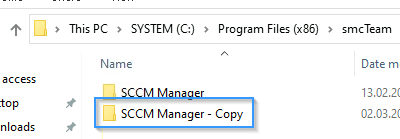
Create Backup |
Before running the setup, create a full backup of the SCCM Manager directory. (located at C:\Program Files (x86)\smcTeam)
|
|
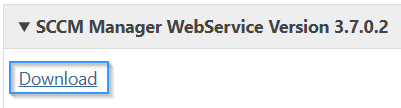
| 2. | Download WebService Version 3.7.0.2. |
|
|
| 3. |
|
||
| 4. |
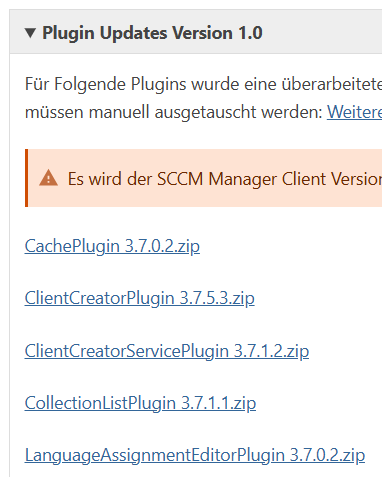
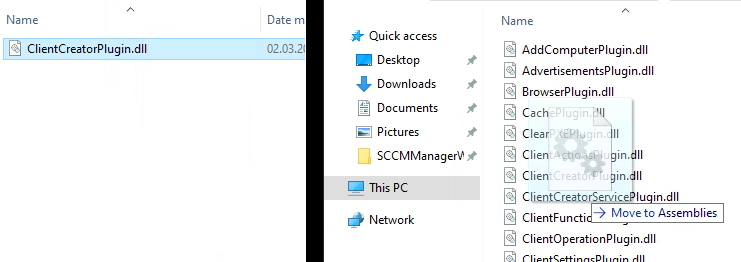
Download Plugin Updates. |
|
|
| 5. |
|
||
| 6. |
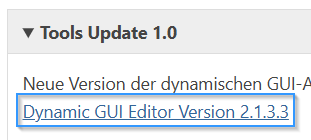
Download Dynamic GUI Editor Version 2.1.3.3. |
|
|
| 7. |
Updating Dynamic GUI Editor |
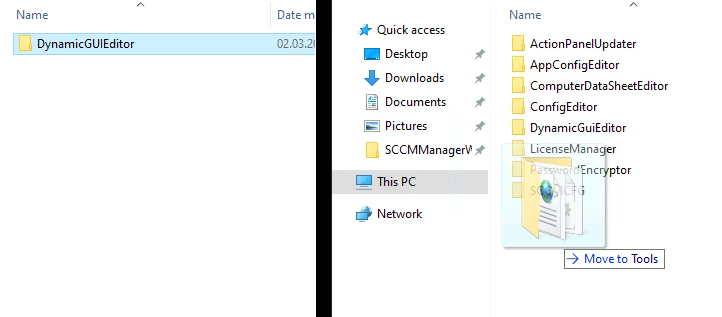
Copy the contents of the ‘DynamicGUIEditor’ folder from the ZIP file into the “Tool” folder within the SCCM Manager installation directory, replacing the existing ‘DynamicGUIEditor’ folder. |
|
| 8. |
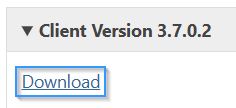
Download SCCM Manager Client Version 3.7.0.2 |
|
|
| 9. |
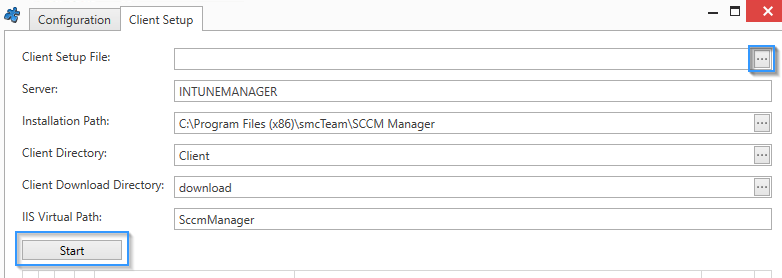
Deploy/distribute the SCCM Manager Client |
Run the SCCM Manager Client Setup and deploy the ‘Setup.zip’ folder. |
|