Manual WebService Update
Manual update of the SCCM Manager Web Service
The main component of the SCCM Manager is the web service. Many of the plugins’ functions rely on the methods of this web service to perform their tasks.
For hotfixes, new feature requests or other updates, often only a new version of the Web Service is released, without a full SCCM Manager Server installation being published. In this case, the Web Service must be updated manually.
Deploying a new version of the web service
The WebService.zip file provided must be unzipped.
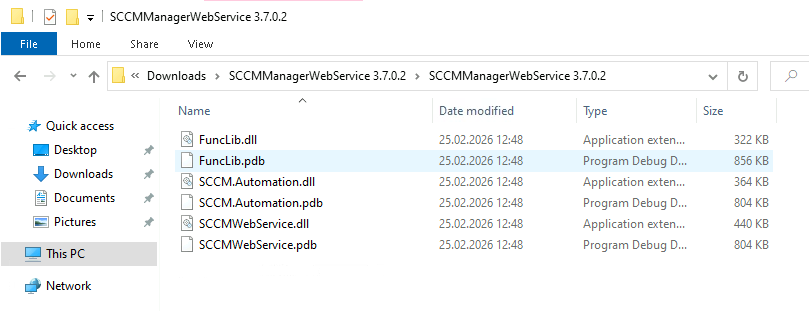
The files contained therein must then be copied to the SCCM Manager installation directory and used to replace the existing files:
C:\Program Files (x86)\smcTeam\SCCM Manager\bin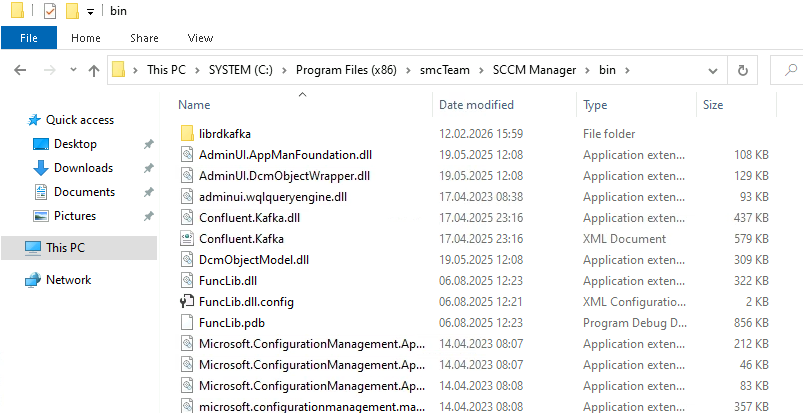
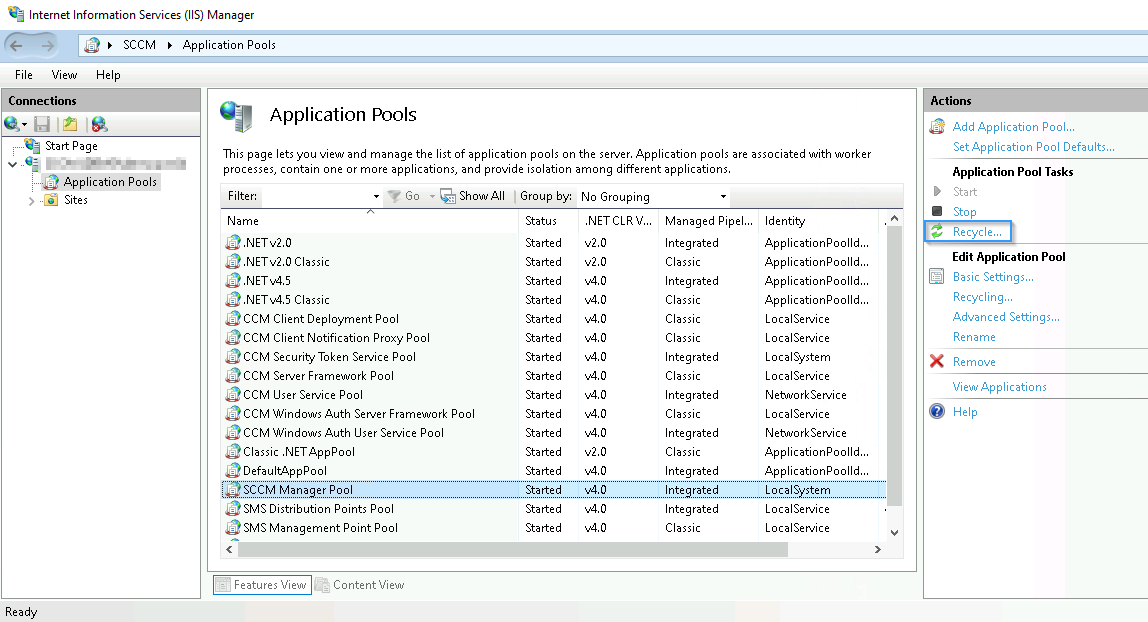
Once the files have been replaced, the ‘SCCM Manager Pool’ application pool in IIS must be restarted for the changes to take effect.
Checking the update
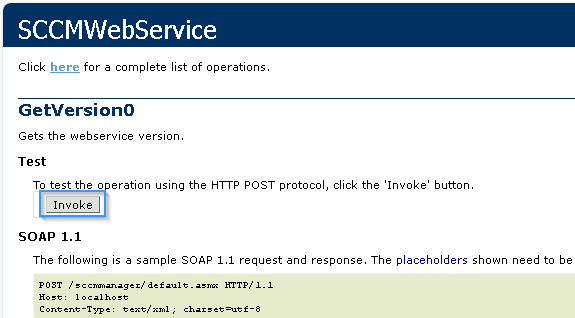
To check whether the update was successful and the web service is working correctly, you can open the web service in a browser:
https://localhost/sccmmanager/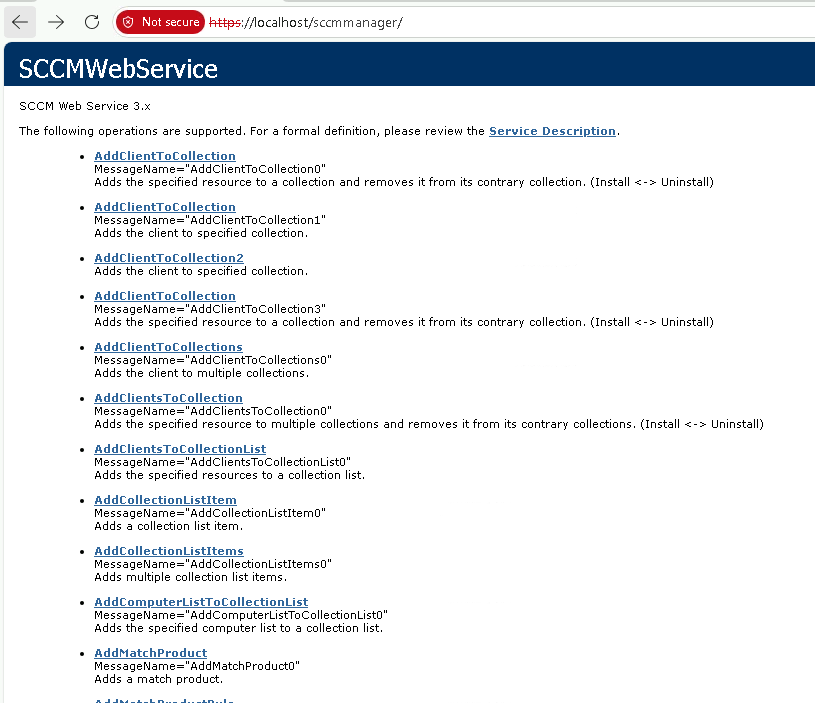
There, you can run the GetVersion0 method. This method returns the currently installed WebService version, thereby confirming that the update was successful. Either via the search function on the WebService interface or directly via:
https://localhost/sccmmanager/default.asmx?op=GetVersion0