Form Designer
This feature of the Asset Manager is only available if the logged-in user has the Administrator role.
Using the Asset Manager's Form Designer, you can customize the appearance of tables and queries and make the data entry dialog more user-friendly.
After creating a table, the default data entry form initially looks like this. All defined columns are displayed from top to bottom in the specified order, and the size of the dialog remains constant:
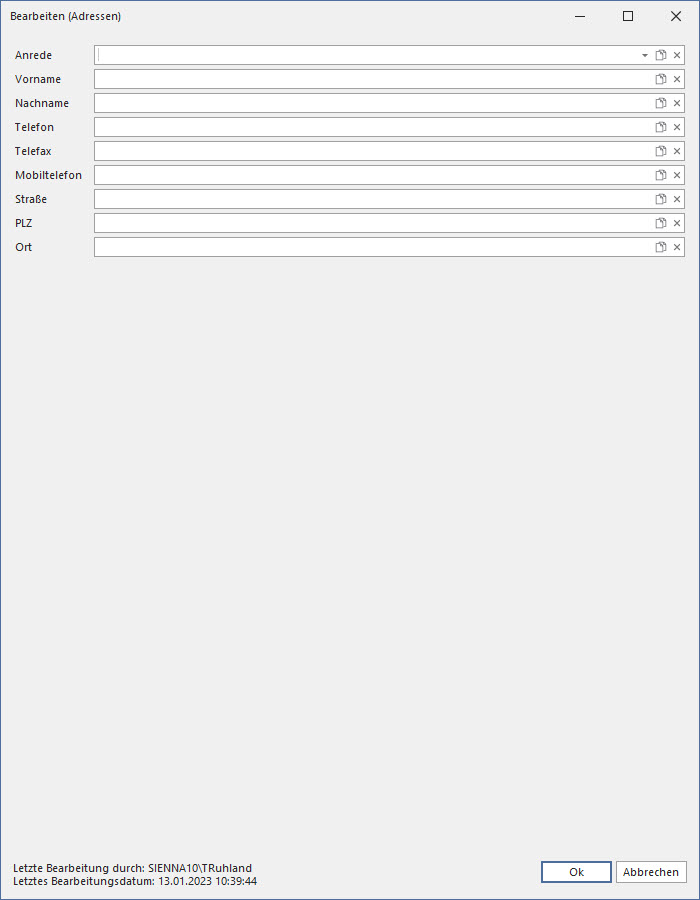
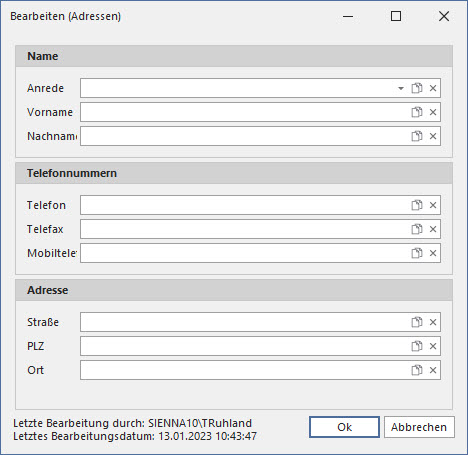
However, using the Form Designer, you can also group specific columns and adjust the size of the input form:
A compact view is also possible, in which tabs are used instead of groups:
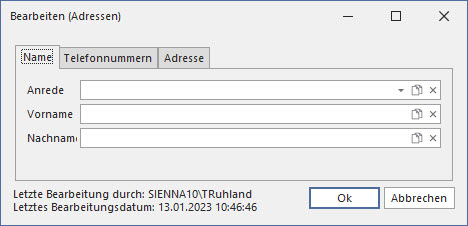
In all three cases, the input form is always for the same table.
The following video demonstrates the basics of the Form Designer:
The next video describes the advanced features of the Form Designer: