Reports / Queries
This feature of the Asset Manager is only available if the logged-in user has the Administrator role.
Note: The SQL scripting language used is not explained in this documentation, as that would go beyond the scope of this document. Knowledge of SQL is assumed.
The SQL commands PRINT and RAISEERROR are not supported.
Queries within the Asset Manager are written in SQL. They return any number of records, which may come from one or more tables or views. The returned records cannot be edited; they are read-only. An editor is available for creating queries.
Queries with Variables
Queries that return a large number of records can (and should) be filtered in advance using variables to conserve resources.
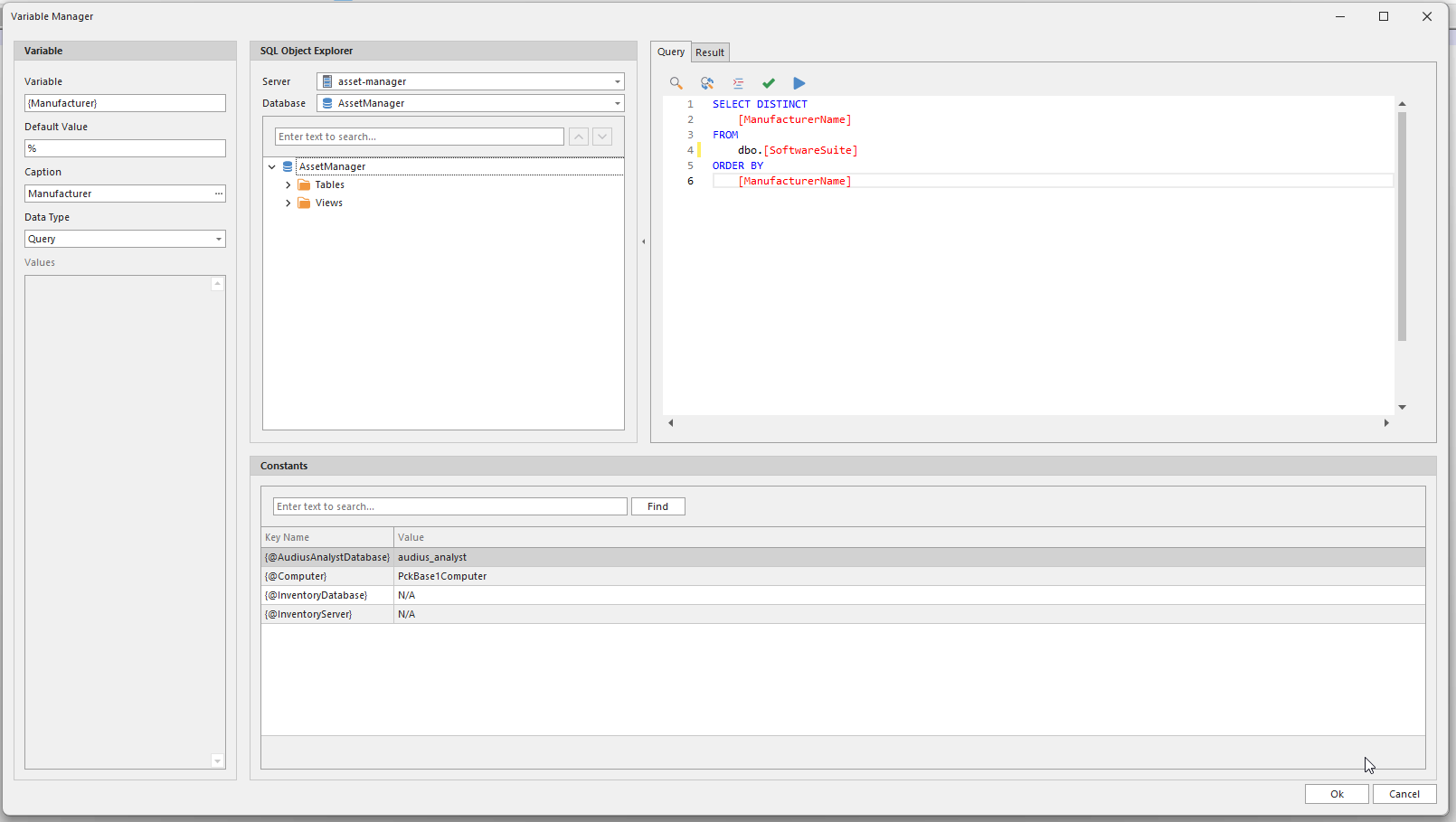
Example: If, for example, there is a software catalog containing software from all manufacturers, it makes little sense to load the entire catalog when searching for software from a specific manufacturer. In such a case, a condition can be added to the query. This condition is specified within the SQL script and replaced by the value of the variable at runtime.
A dedicated editor is available for working with variables.
Attention: Variables whose values are determined from an SQL script must not reference other variables within the SQL script when used in conjunction with a drilldown, as this will prevent the drilldown from functioning properly.
Queries with Variables and Dependencies
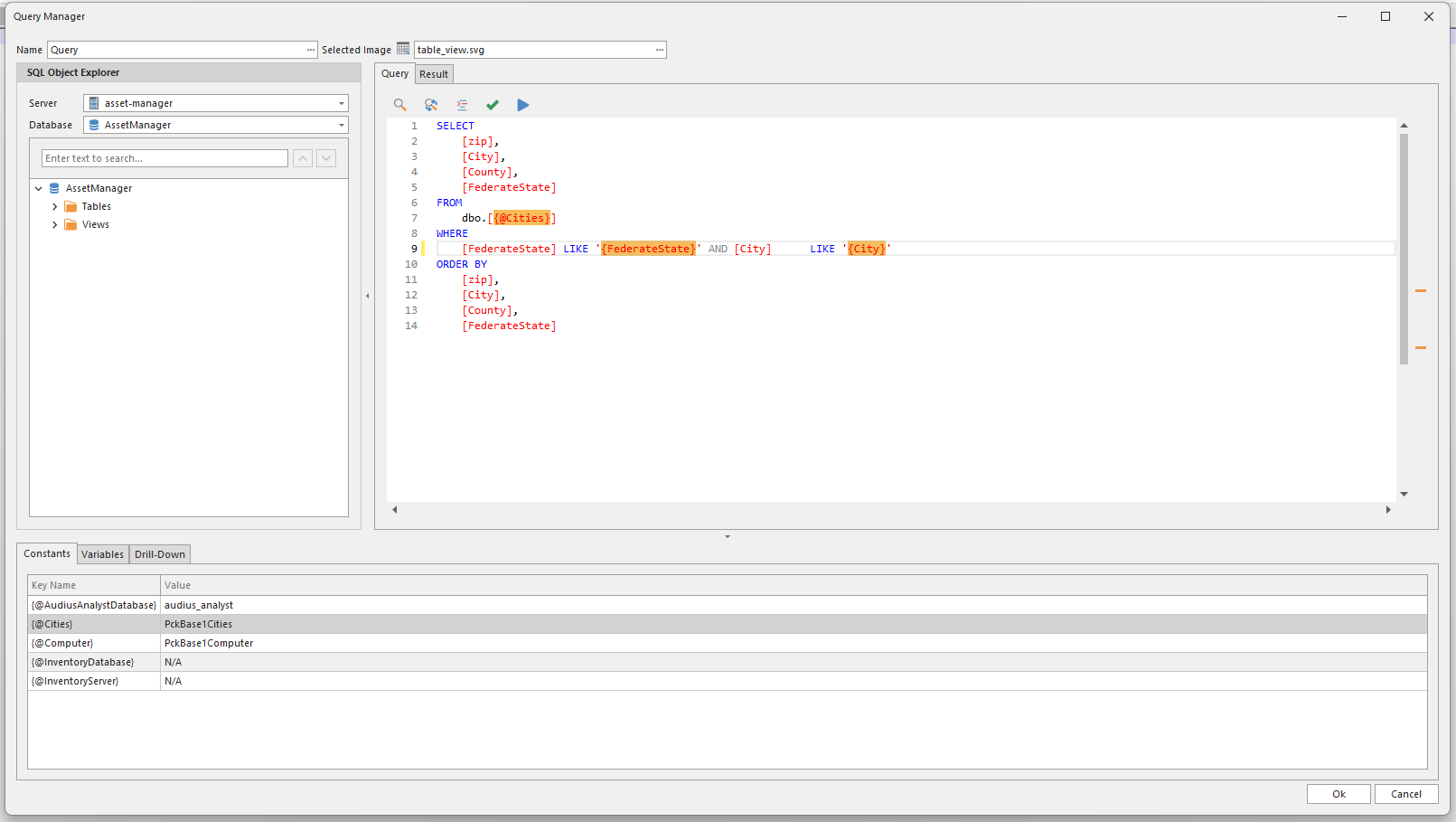
By default, variables do not “recognize” each other because they normally do not need to. However, there are situations—particularly with dropdown lists—where it would be useful for one dropdown list to know the currently selected value of another (parent) dropdown list in order to adjust its own content accordingly. The following example illustrates this.
Consider a list of all cities in Germany. This list includes columns such as Federal State, County, and City. This results in a hierarchy:
- Federal State. A static list of all 16 federal states.
- County. A list of the counties within a specific federal state.
- City. A list of the cities within a specific county.
- County. A list of the counties within a specific federal state.
This hierarchy can be mapped using the Asset Manager.
When creating queries with variables and dependencies, it is essential to pay attention to the order of the variables, as the user typically processes the dependencies from top to bottom. If an incorrect order was selected during creation, it can be adjusted later.
Queries with Constants
The reason for using constants is explained in detail in this chapter.
Queries with Drilldowns
Drilldowns are used to navigate from one query to another query or to a table within a query. The following branches are possible:
- From query
- to query
- to query
- etc.
- to query
- to query
- From query
- to query
- to query
- etc.
- zu table (editable)
- etc.
- to query
- to query
Example: Consider a query containing a list of employees whose data is compiled from the Branches and Addresses tables. Since queries are read-only, the result cannot be edited. However, if drilldowns to the Branches and Addresses tables are specified, you can branch to those tables and edit the corresponding records.