Asset Manager (Client)
The client component of the Asset Manager is a Microsoft .NET 8 application with the following system requirements:
- Microsoft Windows Client or Server, as listed here.
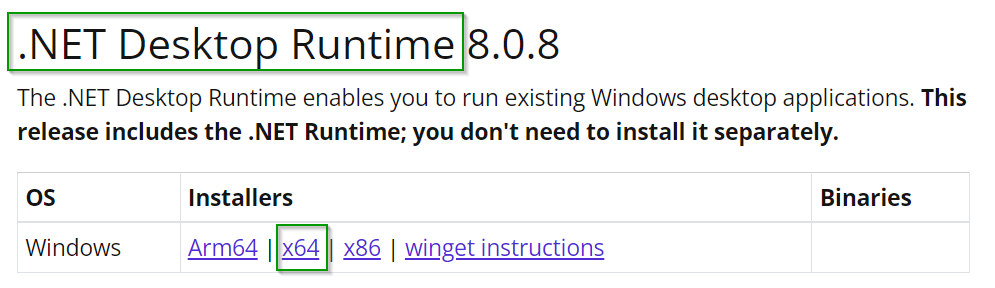
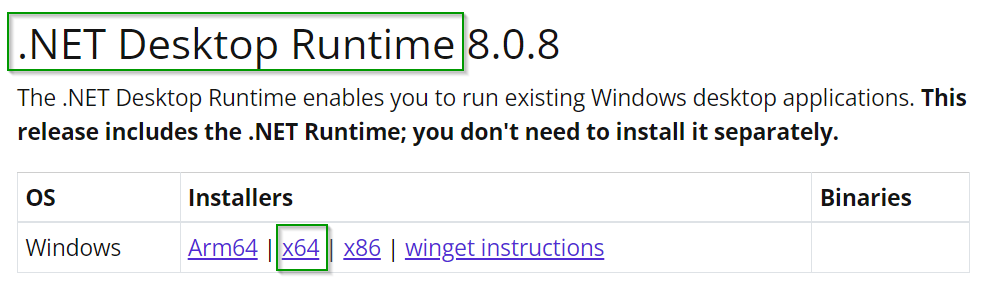
- Microsoft .NET 8 Runtime, which can be downloaded here.
- The Asset Manager uses WebView2. Therefore, the WebView2 Runtime must be installed.
- Administrative rights are required on the client during installation (Run as administrator).
- If it becomes necessary to exclude individual files or folders from the scan process due to the use of a virus scanner, please read this section.
- A screen resolution of at least Full HD (1,920 x 1,080 px) is recommended.
- When starting the Asset Manager for the first time, the URI and port for the Asset Manager service are required once to establish a connection, as described here.
- Optionally, keys are required for translation, language services, and OpenAI, as described here.