Manual Plugin Update
Plugins in SCCM Manager
The SCCM Manager plugins consist of DLL files located on the server on which the SCCM Manager is installed. They are stored in the installation directory under:
C:\Program Files (x86)\smcTeam\SCCM Manager\Resources\Assemblies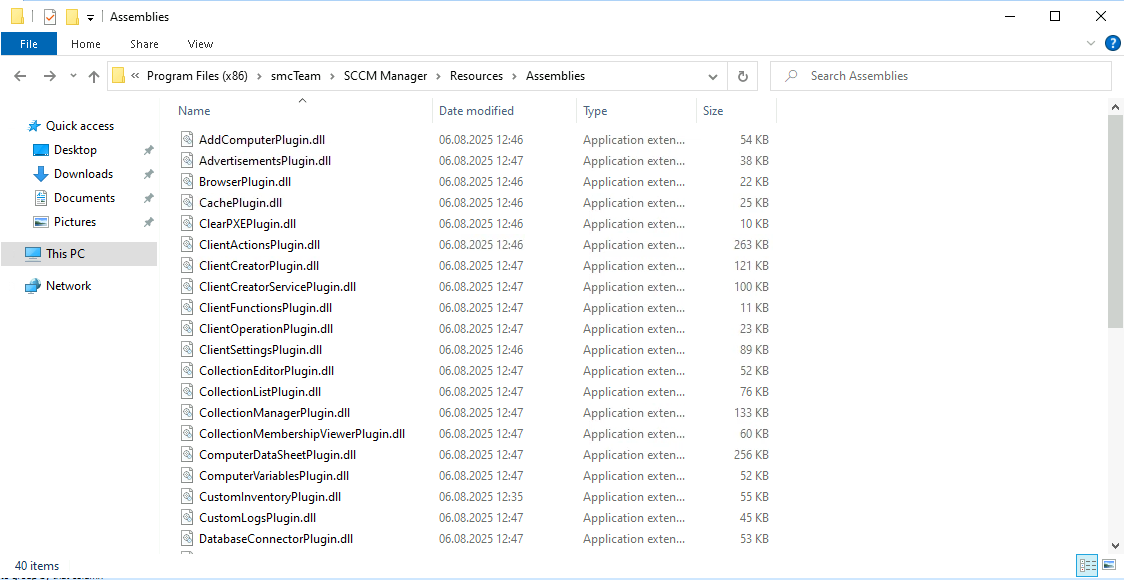
Updating a Plugin
To update an existing plugin, the relevant .dll file in this folder must be replaced with the new version.
Once the DLL file has been replaced, the “SCCM Manager Update Plugins” tool must be run with administrator rights.
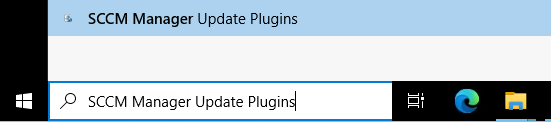
The shortcut launches the ActionPaneUpdater tool, which is located in the following directory:
C:\Program Files (x86)\smcTeam\SCCM Manager\Tools\ActionPanelUpdaterThis tool updates the plugin version in the SCCM Manager database, specifically in the PluginVersionConfig table.
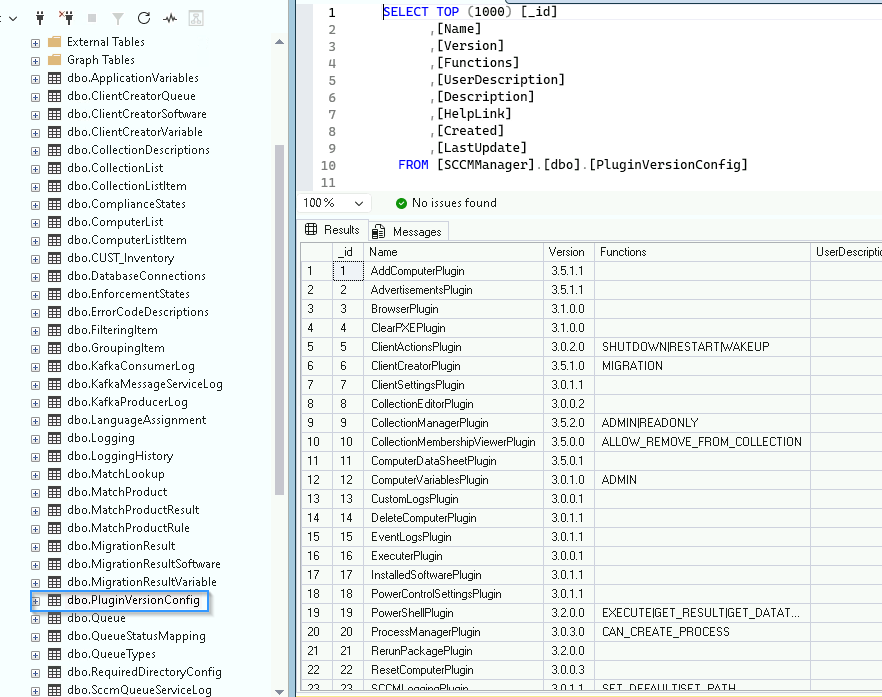
Local plugin management in the user profile
When a plugin is run in SCCM Manager, the application copies the relevant plugin DLL to the local user directory:
C:\Users\<USER>\AppData\Local\smcTeam\SccmManager\_current\Assemblies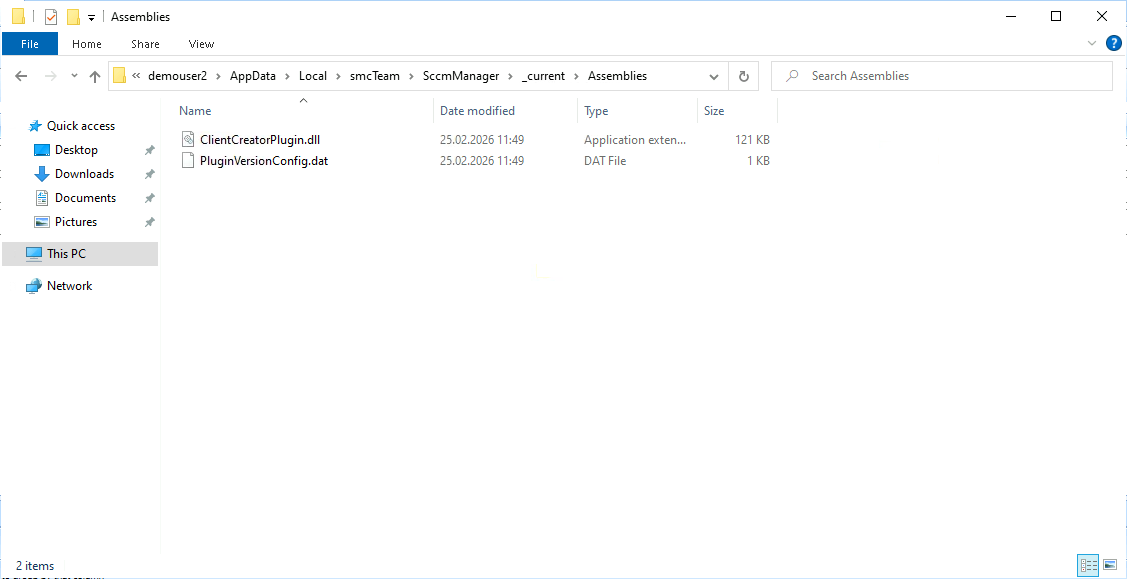
This folder also contains the file PluginVersionConfig.dat, which stores the plugin versions installed in the user profile.
When a plugin is launched, the SCCM Manager checks whether the local plugin version matches the version in the database.
If a higher version is available in the database, the local plugin DLL is automatically updated.
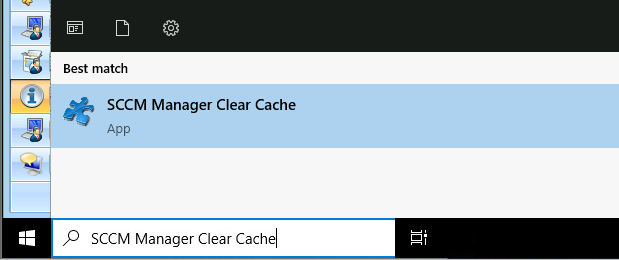
Some plugins may temporarily stop working after a version update or for other reasons. The problem can often be resolved by clearing the client cache. There is a corresponding Start menu shortcut, ‘Clear Client Cache’, which performs this operation automatically.