Linked Server
In a server configuration where the SCCM Manager database and the SCCM database are located on different servers or database instances, a linked server is required to ensure the functionality of certain plug-ins. When using linked servers, these plug-ins must be configured accordingly.
Affected plugins
Create Linked Server
A linked server establishes a connection between the SCCM Manager database and the SCCM database. To create a linked server, you need Microsoft SQL Server Management Studio.
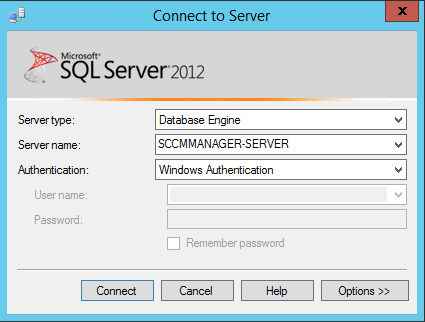
You must connect to the server hosting the SCCM Manager database.
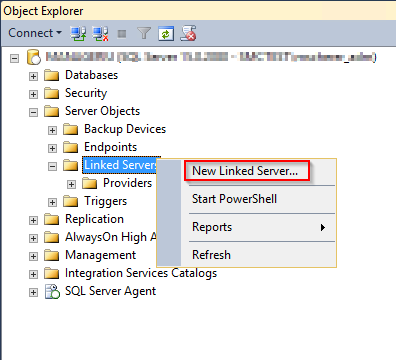
On the relevant server, expand the “Server Objects” folder and open the context menu for the “Linked Servers” folder. Select the “New Linked Server...” option.
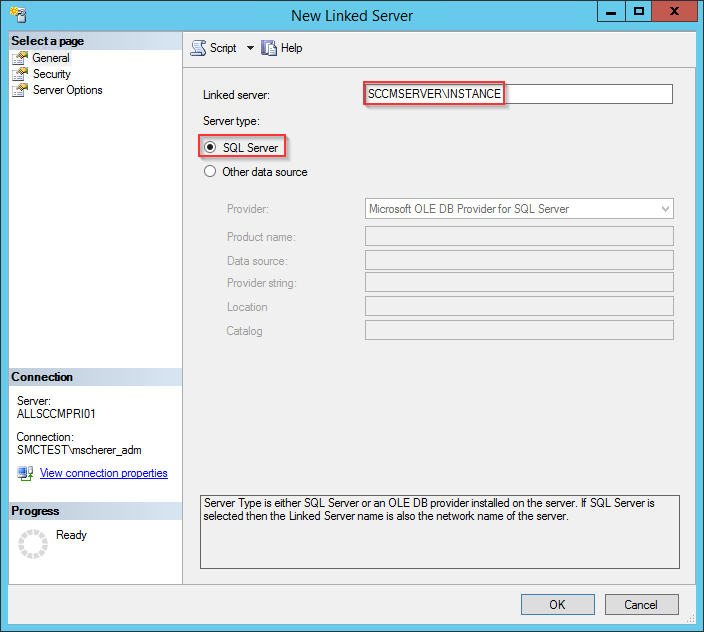
There, you must specify the server name—along with the database instance, if applicable—on which the SCCM database is located. Select “SQL Server” as the server type.
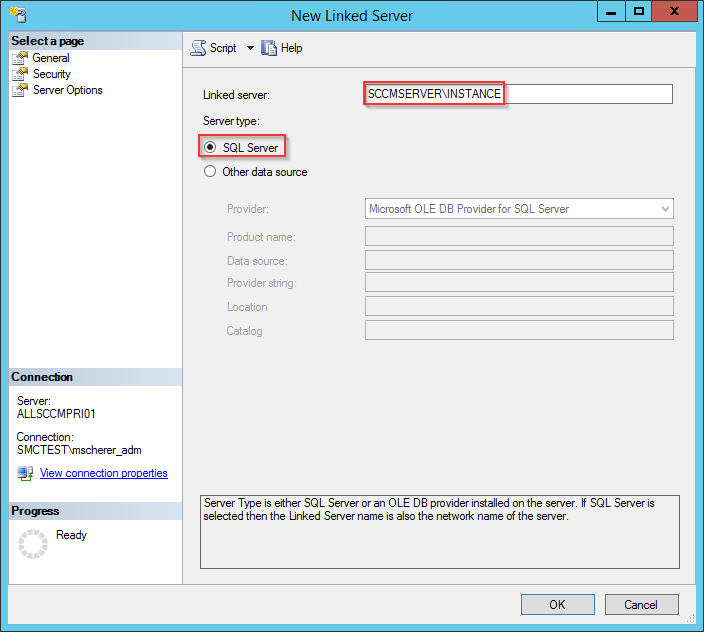
In the toolbar on the left, switch to the “Security” tab and select “Be made using the login's current security context.” Click “OK” to create the linked server.