Asset Manager (Client)
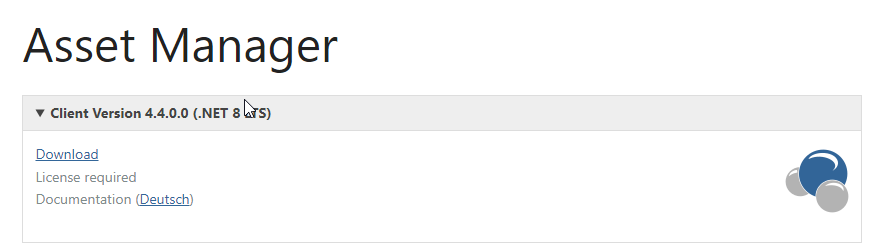
Download
Asset Manager | audius smcTeam GmbH & Co. KG
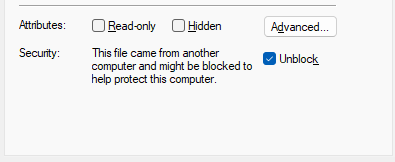
After downloading, you must check the file properties. If the “Mark of the Web” flag is set for the Setup.exe file—indicated by the text “This file is from another computer. Access may have been blocked for security reasons” at the bottom of the General tab—you must disable it by checking the “Unblock” box. Otherwise, Microsoft SmartScreen will block the installation.
Setup Procedure
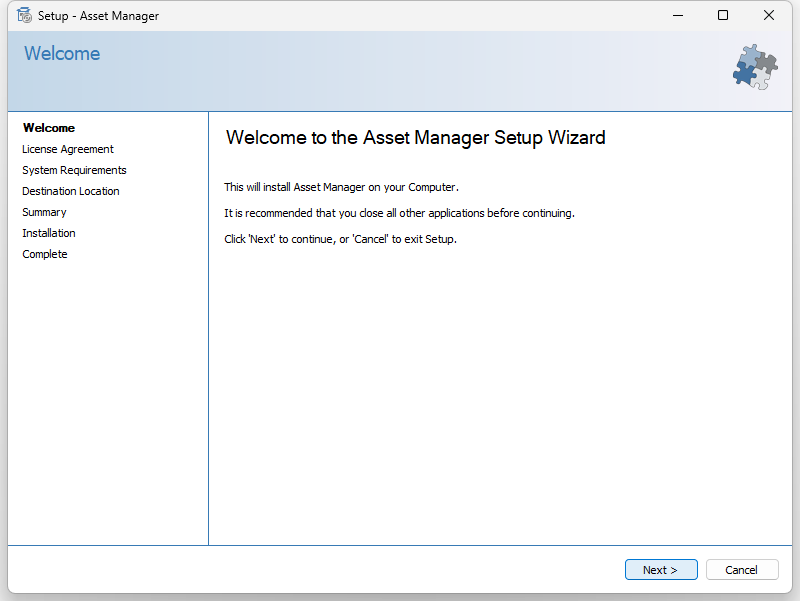
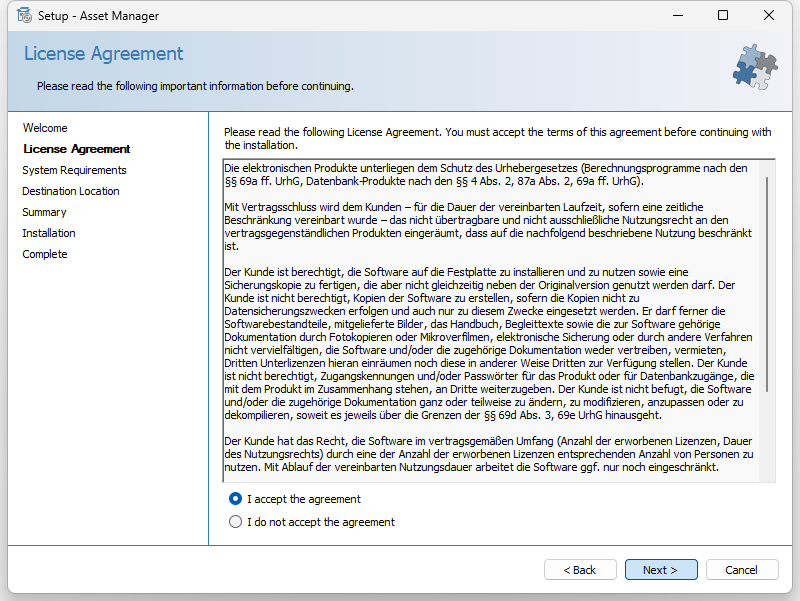
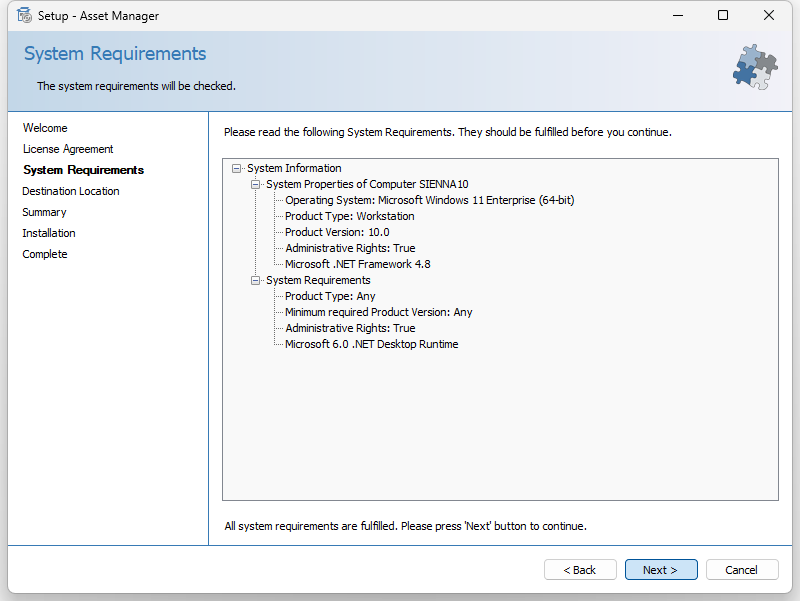
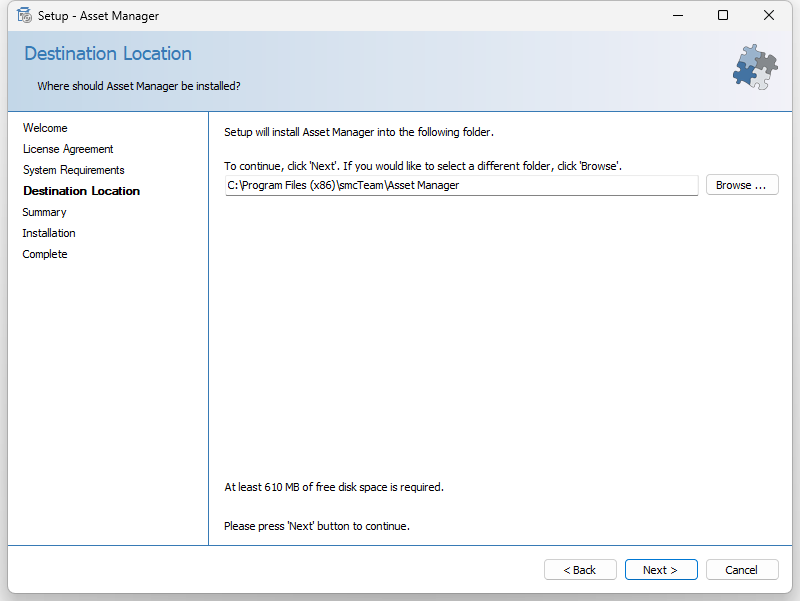
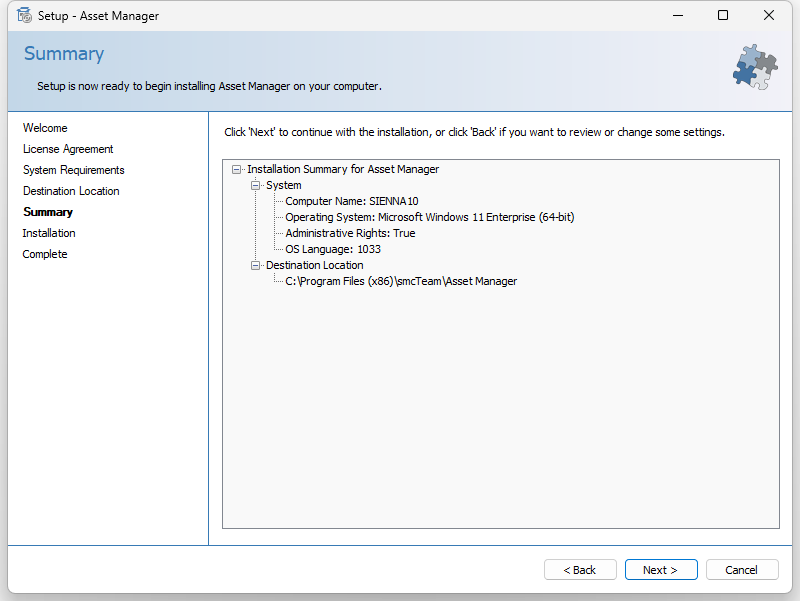
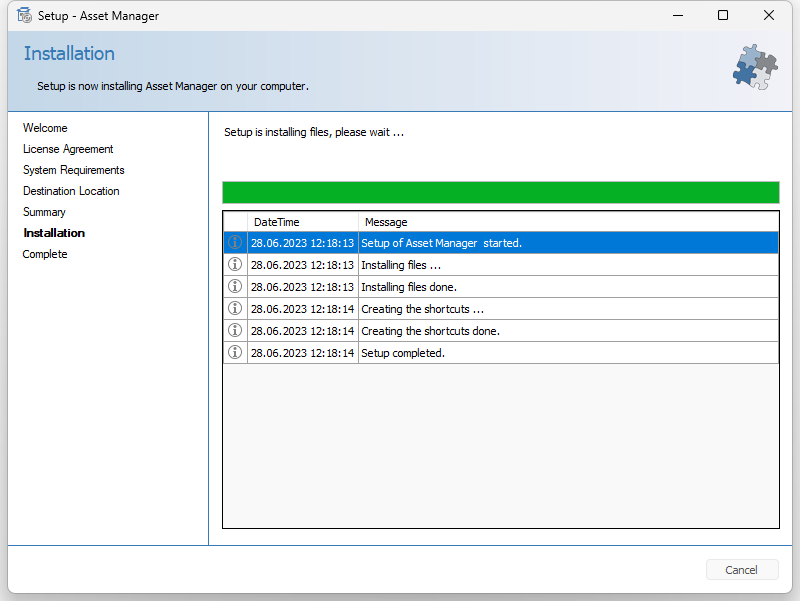
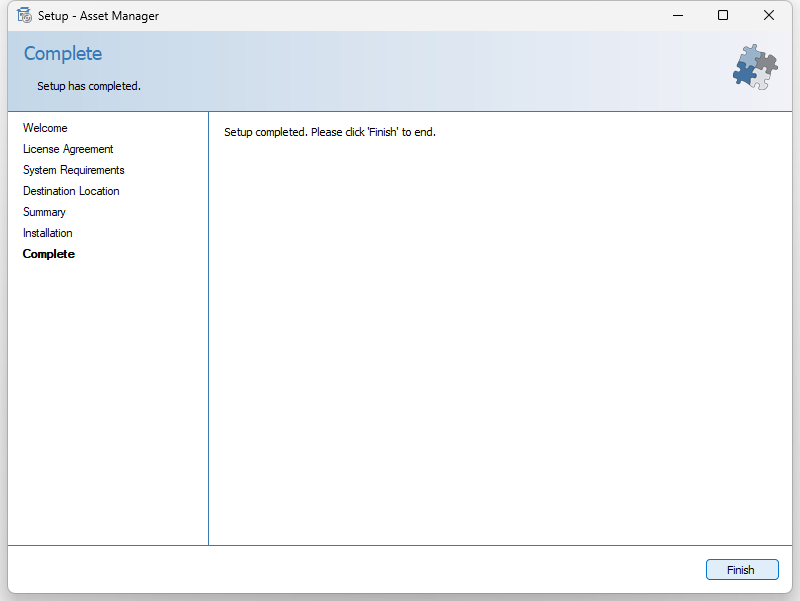
The manual installation is largely self-explanatory. After launching Setup.exe, the following steps occur: